How to Run a Successful Restaurant in Sims 4: The Ultimate Guide

Running a restaurant in Sims 4 sounds glamorous until customers queue at the host stand, your chef sets the kitchen on fire, and a critic shows up during the dinner rush. But, with the right guidance, you can easily turn this chaos into a five-star rating.
In this guide, I’ll walk you through the pieces that move the needle in The Sims 4: Dine Out Game Pack. You’ll learn the smartest lot layout for faster service, how to create the perfect menu, staff hiring and training that pays off, and the perks/marketing settings that boost ratings and profit.
I’ll also flag common pitfalls, like overstuffed dining rooms, slow tables, and unbalanced pricing, and show you quick fixes. By the end, you’ll have a restaurant that looks good, runs smoothly, and makes simoleons while your Sims schmooze the foodies. Ready to open for business?
READ NEXT: 34+ Best Sims 4 Restaurant CC for Stunning Dining Venues
Looking for the perfect CC for your Sims?
Try our Free Sims 4 Mod & CC Finder to discover thousands of mods instantly. Search by category, creator, or style to find exactly what you need!
Requirements & Getting Started
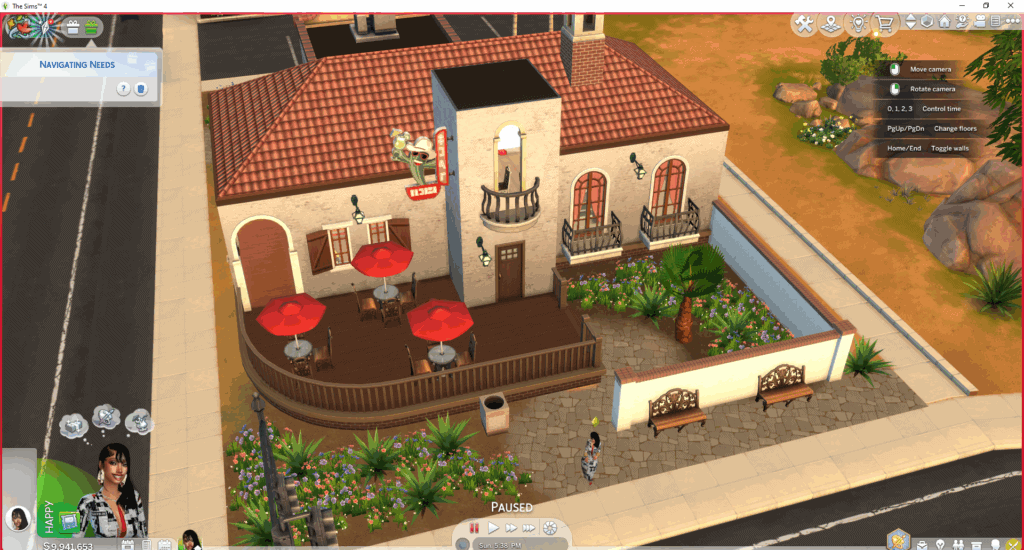
Before you plate your first dish, you’ll need the right tools in place. Running a restaurant in Sims is only possible if you own The Sims 4: Dine Out Game Pack. You can purchase and download it on the EA App for only $13.99. This game pack adds the restaurant lot type, menus, staff management, and the customer star rating system to your gameplay.
You can use the EP with other game packs like Get to Work or City Living, but this isn’t essential. These only expand décor, food options, and gameplay variety, which you can always get from custom content.
Once you have the right game pack, it’s time to choose your lot. When choosing your lot, location matters. I recommend high-traffic areas like San Myshuno’s bustling streets or Sulani’s beachfronts as they draw more walk-in customers. However, even a suburban spot can thrive if you build a luxurious restaurant like an upscale Italian bistro.
Note that you don’t have to build your dream restaurant from the ground up. You can acquire pre made restaurants from creators in the community to save yourself the hassle of designing one. We have a list of Sims 4 Restaurants to choose from, depending on your vibe and style.
Whether you’re building a restaurant or getting a ready-made one, please consider the lot size carefully. If you choose a small space, it means faster table turnover but fewer customers at once, while larger layouts can generate more income if managed well.
Your starting funds will also set the tone for your build. You can go the long route and begin with a modest kitchen and a few tables, then reinvest profits into décor, menu variety, and staff perks until you build a successful multi-restaurant empire. Alternatively, if you have deep pockets, a well-equipped space from day one can help you skip the growing pains. Either way, careful planning will pay off.
How to Design Your Restaurant in Sims 4 for Success
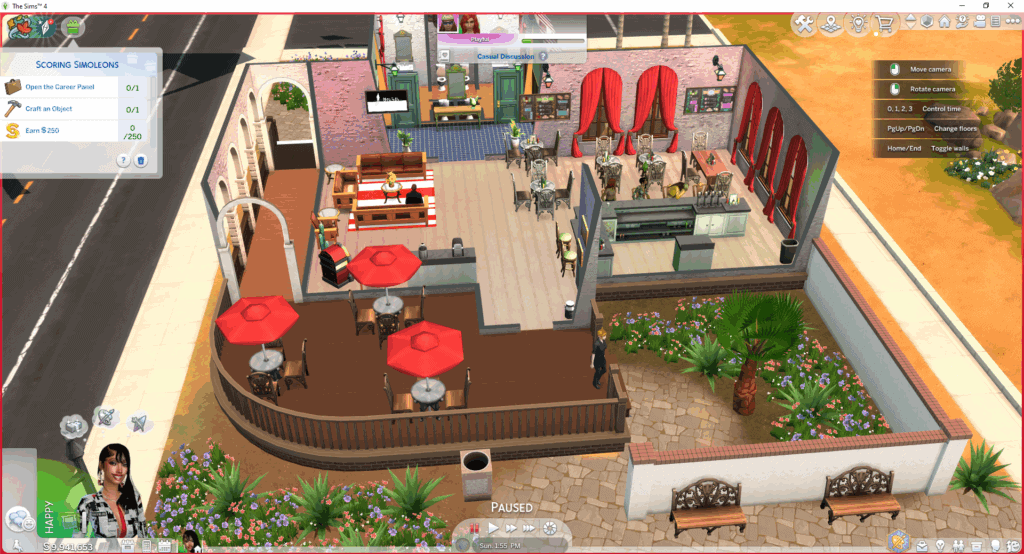
If you decide to design your dream restaurant from scratch, you need to think about its layout. A great restaurant layout focuses on multiple aspects, such as the interior decor, the flow, the outdoor seating, and more.
I recommend starting with the kitchen. Place it close to the dining area but separate enough to avoid routing chaos. You want your waiters to transition smoothly from the tables to the kitchen. Keep the chef’s station, fridge, and counter space within easy reach to cut down food prep time. Your host stand should be near the entrance for quick greetings, while tables should be arranged to avoid bottlenecks when waiters deliver food.
Remember that ambiance directly affects star ratings, so invest in décor that matches your theme. This can be warm lighting, stylish wall art, and plants to make guests stay longer (and tip more generously). Or, you can opt for mood lighting and cozy seating for a romantic date and dinner. The decor is really up to personal taste – just ensure it looks good.
Be sure to also pay attention to environmental scores, as clutter and mismatched décor can drag your rating down. Use themed furniture and décor sets to create a cohesive look, e.g., cozy diner, sleek modern bistro, or high-end fine dining spot. Also, personalize your space with unique signage, comfy booth seating, and outdoor seating for al fresco fun.
In the same breath, don’t forget comfort. Choose chairs with high comfort ratings and give Sims enough space between tables to stand and chat. If you’re using custom content, consider functional clutter like comfy booth seating or decorative menus to make the space feel lived-in without breaking pathing. The right design keeps both staff and customers happy, which means more simoleons in your pocket.
You can also customize pre-made restaurants to suit your taste and style. Just enter the build mode and switch out any decor and furnishings you don’t like. The goal is to create a space where people can snap food selfies, eat high-quality food, enjoy edible masterpieces, and spend time with their partners or friends.
Building the Perfect Menu
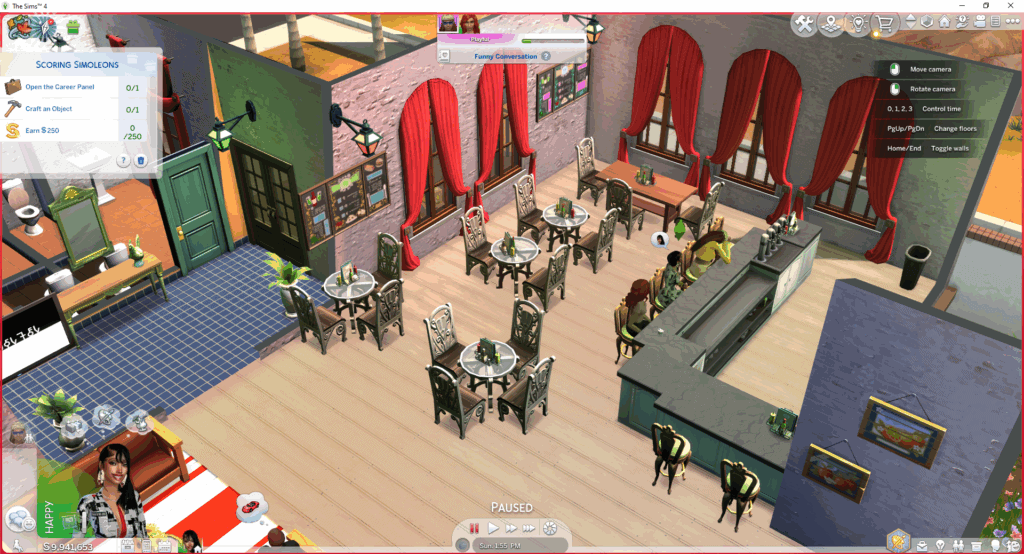
Your menu is the heart of your restaurant, and in The Sims 4: Dine Out, it’s directly tied to your star rating. Each dish has a difficulty level and a quality potential, which depend on your chef’s Cooking, Gourmet Cooking, or Mixology skills.
Don’t offer high-difficulty meals before your chef is skilled enough, as it will tank quality and lead to bad reviews. Start small by including simple, low-level dishes at the beginning, then upgrade your offerings as your chef improves. As long as it’s a delicious meal, you’ll get a high rating and boost customer satisfaction.
When creating a menu for your restaurant in Sims 4, choose a balanced diet with plenty of options. If the choices are few, customers will get bored quickly, and if the options are too many, your staff will slow down.
Aim for
- 4–6 appetizers
- 6–8 main courses
- 3–4 desserts
- A selection of drinks (mix simple sodas or coffees with a few premium cocktails).
Once your chef’s skill is high enough, try the all-new experimental cuisine in the Dine Out Game Pack. These experimental dishes can wow critics and boost your “food quality” rating. Pair them with a solid core menu so even if one dish flops, customers still leave happy.
Finally, the price for your food and ambience matters. If you set higher markups, it means customers expect exceptional quality and service, so deliver that to match the costs. If you can’t, keep your prices modest. As your star rating climbs, gradually raise your markup for maximum profit without hurting reviews.
Hiring & Training Staff
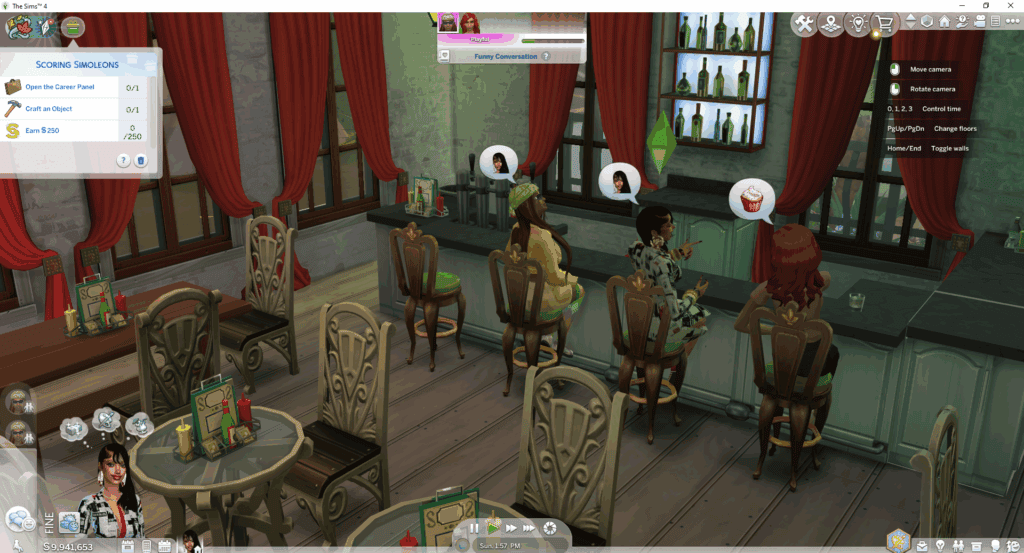
Your staff are the engine that keeps your restaurant in Sims 4 running. This includes the cook, waiter, manager, chef, and more. If you hire staff who are incompetent and slow, it can drag your ratings down fast.
In the Dine Out EP, you need to fill three roles: Host, Waiter(s), and Chef(s). When hiring, pay close attention to their skill bars:
- Chefs need Cooking or Gourmet Cooking skill for quality dishes.
- Waiters benefit from high Fitness (for speed) and Charisma (for friendliness).
- Hosts shine with Charisma, keeping guests happy from the moment they arrive.
Don’t be afraid to start with average hires, but invest in training so your staff is equipped with the right tools to handle the restaurant workload. While staff training costs simoleons, it pays off with faster service, better food quality, and fewer mistakes. So, regularly schedule training sessions, especially before busy nights or critique visits.
From a real-world perspective, morale matters. Remember to praise staff after a good shift to keep them motivated, and avoid overloading them with too many tables. In the Sims 4, this translates to hiring enough waiters for your seating capacity. This ensures all customers get served on time and no one is waiting too long for their drinks or foods.
Similarly, always choose uniforms for your staff that are consistent with your restaurant’s theme. For example, if it’s a fine dining restaurant, have your host and waiters wear formal clothing like suits. A well-dressed team adds to the professional atmosphere and can subtly boost guest impressions.
Lastly, monitor turnover. If an employee’s performance stalls despite training, it’s often better to replace them early than let poor service cost you star ratings. Running a restaurant in Sims 4 is similar to real life, where a strong team can be the difference between a bustling five-star hotspot and a ghost town.
Managing Customer Experience
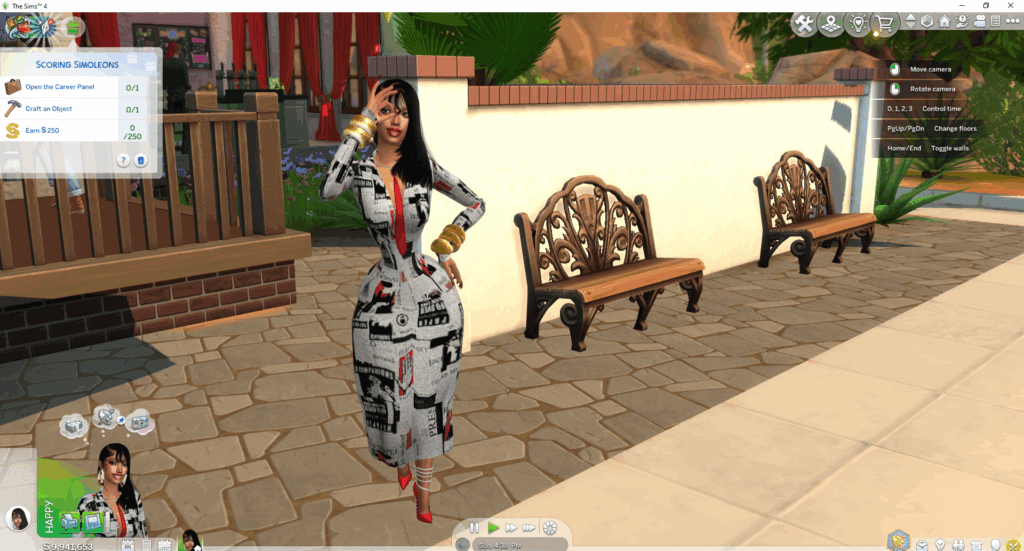
When running a restaurant in Sims 4, happy customers are the foundation of a thriving establishment. Your customer’s mood directly affects your star rating. So, the minute they walk into your spot, start shaping their experience. Greet guests quickly to avoid the dreaded “long wait” debuff and seat them promptly. Ensure your waiters take orders soon after, as delays here can spiral into bad reviews even if the food is excellent.
To manage your customers’ experiences, use perks like Curious Customers and Patient Patrons. These give your staff more breathing room during peak hours. If you experience a service hiccup, which is bound to happen at one point, use Well-Managed to slow down the decay of star ratings. As mentioned earlier, you can use Extra Training for chefs and waiters to improve speed and quality without hiring more staff.
If you encounter any of these issues while running your restaurant in Sims 4, do the following:
- Food takes too long → Reduce menu size, hire another chef, or improve chef skill through training.
- Guests leave before being served → Shorten the order-to-delivery time by rethinking table placement and kitchen distance.
- Low “personal touch” scores → Have your playable Sim interact with customers: check on tables, recommend dishes, or bring free food/drinks occasionally.
Also, if there’s a service hiccup with any guest, offer some complementary services. For instance, you can offer a comped drink or mingle with diners to boost your “personal touch” rating dramatically. Think of it like real-world hospitality, people remember how they were treated as much as what they ate.
How to Boost Ratings & Profits
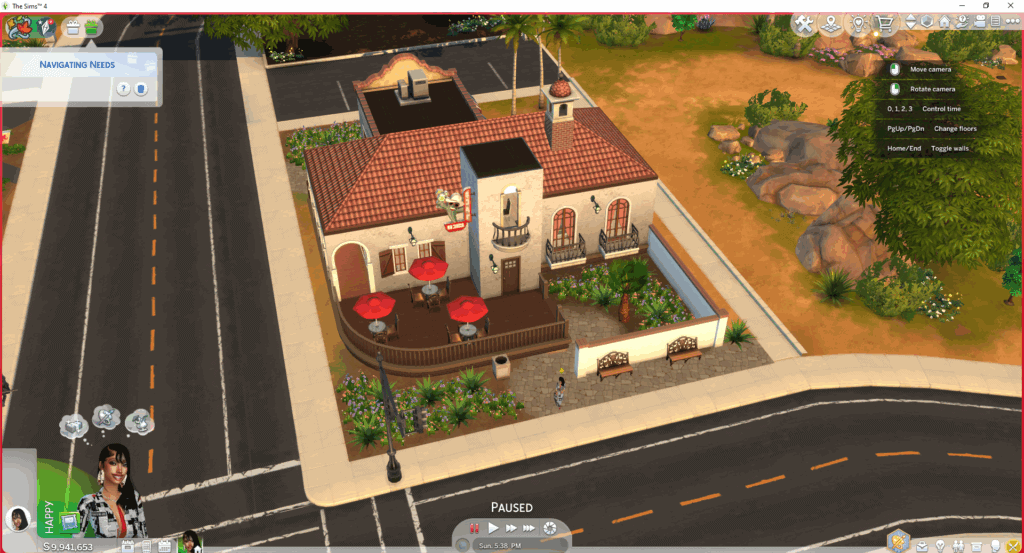
Once your restaurant in Sims 4 is running smoothly, it’s time to turn good service into lasting success. In The Dine Out EP, your star rating is the biggest driver of both customer traffic and profit potential. The higher the rating, the more Sims will visit, and the more they’ll be willing to pay.
Here’s what you can do to boost your ratings and profits:
Use Perks
Take advantage of perks like Well-Managed, Tidy Tippers, and Surplus Harvest, which directly improve profit margins. Other perks like Lower Employee Training Cost and Lower Ingredient Costs reduce your expenses.
Market your Restaurant
You want to spread the word around about your dining spot so that customers can come in. Use marketing campaigns like Gold Package and Silver Package to fill seats quickly. But be cautious as these will burn through funds if your service isn’t ready to handle the extra demand. So time them for when staff are trained and your menu is polished and filled with delicious recipes.
Table turnover and Upselling
From a real-world perspective, think in terms of table turnover and upselling. More tables served per shift means more revenue, so design your space and workflow to keep service efficient. Encourage upselling in-game by recommending higher-priced dishes or drinks to customers. This will ensure customers order items that ring in more revenue.
Monitor profits closely
While running your restaurant in Sims 4, watch your food markup and profits closely. A 125–150% markup is a good balance for most mid-range restaurants, while fine dining spots can push higher if quality and service are flawless. If you notice your revenue dipping despite full tables, either costs are too high or prices need adjusting. Take action immediately before the damage becomes irreversible.
Be consistent
Always strive to be consistent with your services, from how the waiter treats your guests to the quality of food. A few five-star shifts will attract buzz, but sustained quality is what cements your spot as the go-to restaurant in town, just like in real life.
Common Mistakes to Avoid in Your Restaurant in Sims 4
If you want to run a successful restaurant in Sims 4 and build an empire for serious foodies, avoid these mistakes:
1. Overcomplicated Menus
Please don’t start with too many dishes, as it slows service and increases mistakes. Stick to a focused menu until your chef’s skills improve.
2. Undertrained Staff
Avoid hiring the cheapest employees without investing in training, as it leads to slow service and poor reviews. Schedule regular training to keep performance high.
3. Neglecting Ambiance
Bare walls, poor lighting, and mismatched décor lower your environment score. If you have a well-decorated space, it makes guests more patient and generous with tips.
4. Pricing Too High Too Soon
If you set high food markups, ensure the quality of your services and food matches the price. If not, guests will feel ripped off and ratings will drop.
5. Slow Greetings & Service
If customers wait too long to be seated or have orders taken, they’ll leave negative reviews before even tasting the food.
6. Expanding Too Fast
Don’t add more tables without hiring extra staff, as it will stretch your team thin and hurt ratings. Instead, grow in stages.
7. Failing to Reinvest
Your restaurant should evolve if you want to become successful in the long run. Reinvest profits into décor, menu improvements, and perks to keep service fresh and competitive.
Advanced Tips for Experienced Players
Once you’ve mastered the basics, you can push your restaurant beyond a single five-star hotspot and into a full-blown culinary empire. In The Sims 4: Dine Out, the challenge is to keep your location profitable and scale up without losing quality.
Here are some advanced tips to help you achieve this in Sims 4:
1. Build a Multi-Restaurant Empire
Use rotational game play to operate multiple restaurants with different themes. For example, run a fine dining spot in San Myshuno, a casual bar joint in Oasis Springs, and a seafood shack in Sulani. Each lot can have its own menu, décor, and target customers, ensuring steady income across save files.
2. Optimize Table Turnover Without Killing Ambiance
In real life, high turnover means more revenue, but in-game, rushing guests can hurt ratings. The sweet spot is offering fast service without making customers feel pushed out. Keep menu sizes lean for casual restaurants and slightly more extensive for fine dining, where customers expect a longer stay.
3. Host Special Events
Even without a formal event system, you can create themed nights like seafood specials, experimental food tasting menus, or seasonal décor swaps. Market these as a space where guests can spend quality time with friends and family, and eat good food. Use menu changes and marketing campaigns to drive excitement.
4. Use Mods to Enhance Gameplay
The base Dine Out system can be buggy, which makes it crucial to use additional mods to enhance gameplay. Mods like Carl’s Dine Out Reloaded can help fix routing issues, improve customer AI, and make perk investments more rewarding.
You can also use mods to add realism, food variety, waiter call buttons, or better staff autonomy to your game.
5. Create Passive Income Through Automation
If you don’t want to micromanage every shift, you can hire a skilled manager (with mods or NPC control) and let the restaurant run itself. Visit occasionally to refresh staff skills, update the menu, and check finances.
6. Blend Restaurants Into Larger Businesses
Combine your restaurant with retail or entertainment venues for a hybrid profit source. For instance, create a rooftop lounge with a kitchen or a bakery with a fine dining section. This creates a more dynamic gameplay loop while keeping customers engaged longer.
Scaling successfully comes down to one principle: maintain quality while expanding reach. In The Sims 4, that means balancing your hands-on involvement with smart perk use, strong staff, and occasional menu innovation, just like in real-world hospitality.
Conclusion
Running a successful restaurant in Sims 4 boils down to key features, like smart planning, skilled staff, and consistent service. Keep your menu balanced, train your team, and invest in perks that actually make a difference.
I hope this article was helpful, and if you have any comments, leave them below. Here’s the link to our social MHM.
READ NEXT: 20+ Sims 4 Fairy Houses to Add Magic and Whimsy to Your Worlds